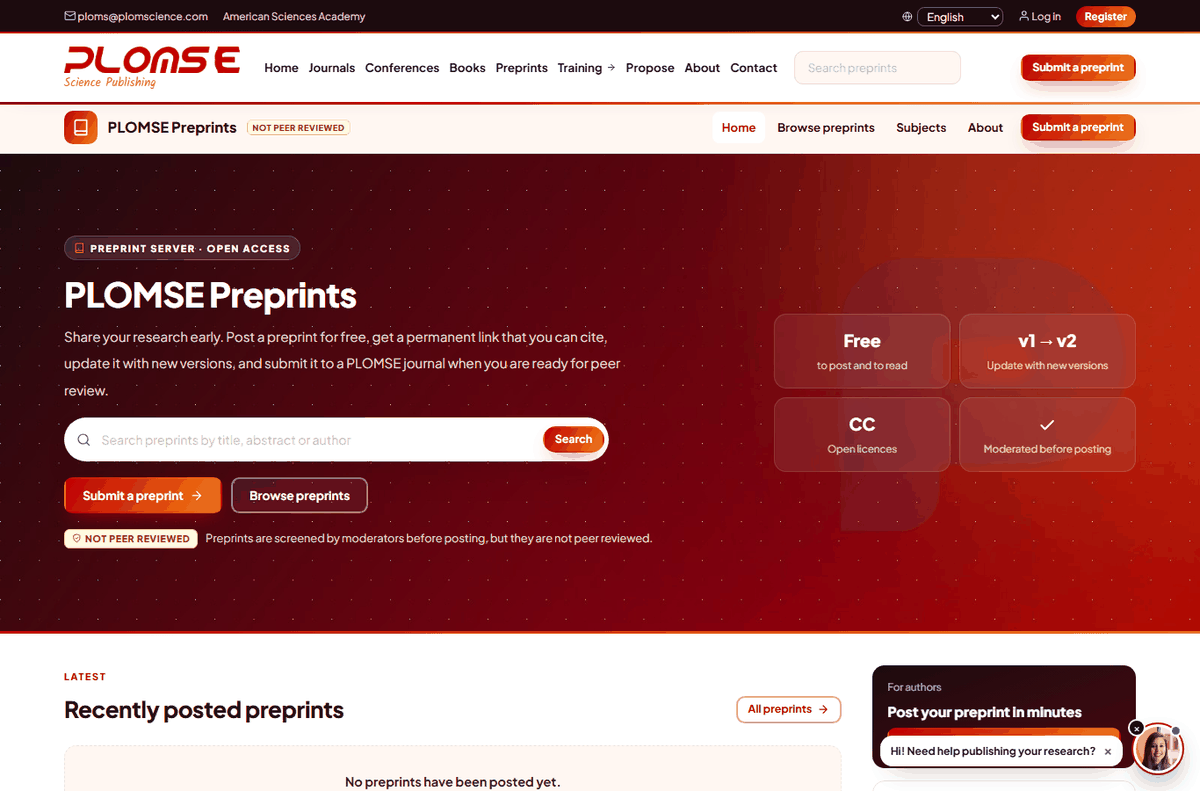
PLOMSE Preprints (/preprints/) is our preprint server. A preprint is a complete scholarly manuscript that is shared publicly before (or in parallel with) formal peer review. Preprints are checked by moderators but not peer reviewed. Each preprint gets a permanent page and can later be linked to the published journal article.
Before you post
- Make sure all co-authors agree to post the preprint.
- Check the policy of the journal you plan to submit to (all PLOMSE journals accept papers that were posted as preprints).
- Prepare the manuscript as a single PDF (recommended) and, optionally, links to supplementary material hosted elsewhere (data repository, code repository).
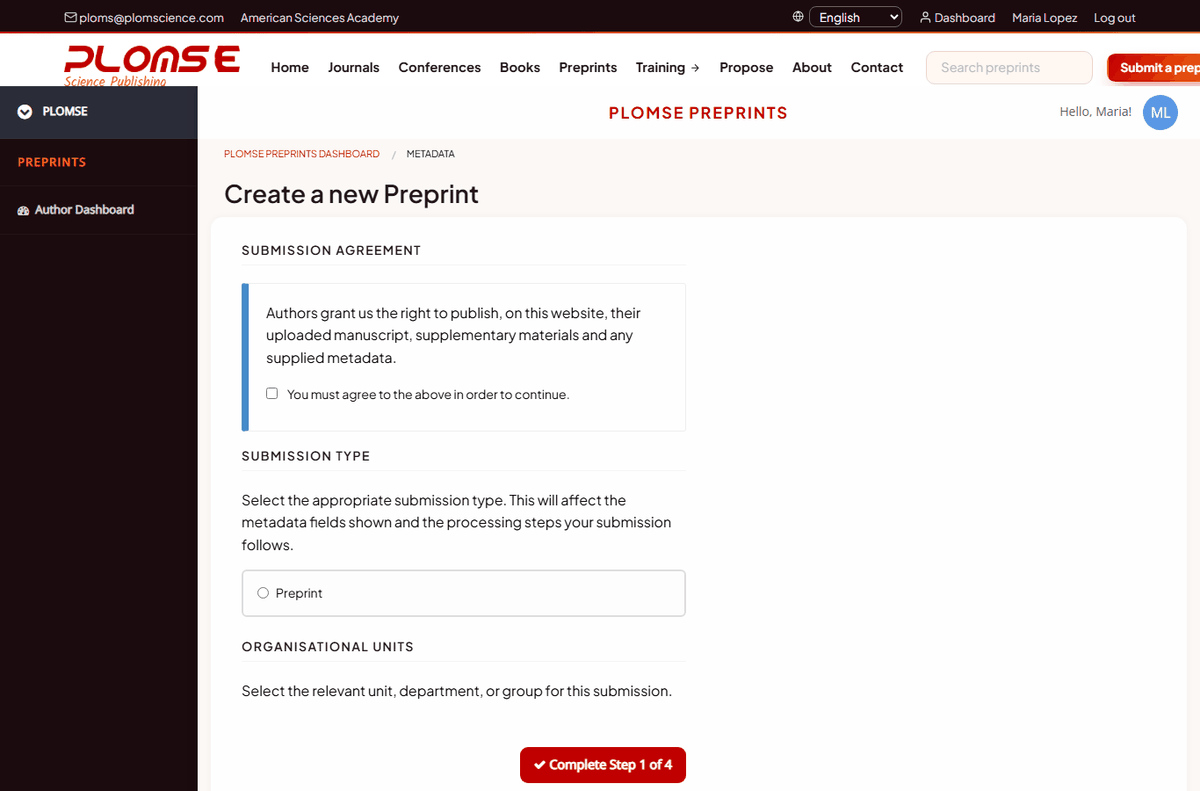
Step 1 – Submission agreement and type
Log in, open Preprints in the main menu and click Submit a preprint. Read the Submission Agreement, tick to accept it and choose the Submission Type. Click Complete Step 1 of 4.
Step 2 – Information (metadata)
Enter the title, abstract, subject (click a subject to see its sub-subjects), licence, keywords (press Enter after each one) and any additional fields. Save to continue.
Step 3 – Authors
Click Add Self as Author if you are an author (your account owns the submission but is not an author until you add yourself). Search other authors by email or ORCID iD with Search for an Author, or click Add New Author to enter them manually. Drag the rows to set the author order.
Step 4 – Files
Click Upload File to upload your manuscript. Uploading a new file overwrites the previous one. Add links to externally hosted material with Add New Supplementary File. Click Complete Step 3 of 4.
Review and submit
Check the summary (use Edit Metadata, Edit Authors or Edit Files to correct anything) and click Complete Step 4 of 4 and Submit.
Moderation
A moderator checks that the preprint is a scholarly work within scope, is complete and respects our policies. You receive an email when it is accepted (published) or if it is rejected, with a note from the moderator. Your preprints and their status (Accepted, Rejected, Under Consideration) are listed on the Preprints Dashboard (/preprints/repository/dashboard/), together with incomplete submissions you can continue or delete.
New versions and corrections
From the Preprints Dashboard you can request:
- a new version (upload a revised manuscript – earlier versions remain available),
- a metadata correction (title, abstract, authors…),
- a correction of the current file.
Requests are reviewed by a moderator before they appear publicly.
Publishing the article in a journal
When the paper is published in a journal, tell us the DOI (or ask the editor) so that the preprint page links to the final version. You can submit the same manuscript to a PLOMSE journal at any time – see How to submit a manuscript.
Finding preprints
Use the Search preprints box in the header, or the search and subject list on the preprint server – see How to search.