Everything published on PLOMSE is open access: you can read, download, share and reuse it free of charge, without an account, under the licence shown on each item (usually Creative Commons Attribution, CC BY 4.0 – reuse is allowed with proper attribution).
The article page
Each article page shows:
- the title, authors with affiliations (and ORCID iDs), the article type and the Open Access and Peer-reviewed badges;
- the dates (received, accepted, published), the volume and issue, and the DOI – the permanent link to the article;
- the Abstract and Keywords (click a keyword to find related articles);
- the Full text in the browser when an HTML version is available;
- Data files and supplementary material, when provided;
- Article information: licence, conflicts of interest, how to cite, and Article metrics (views and downloads).
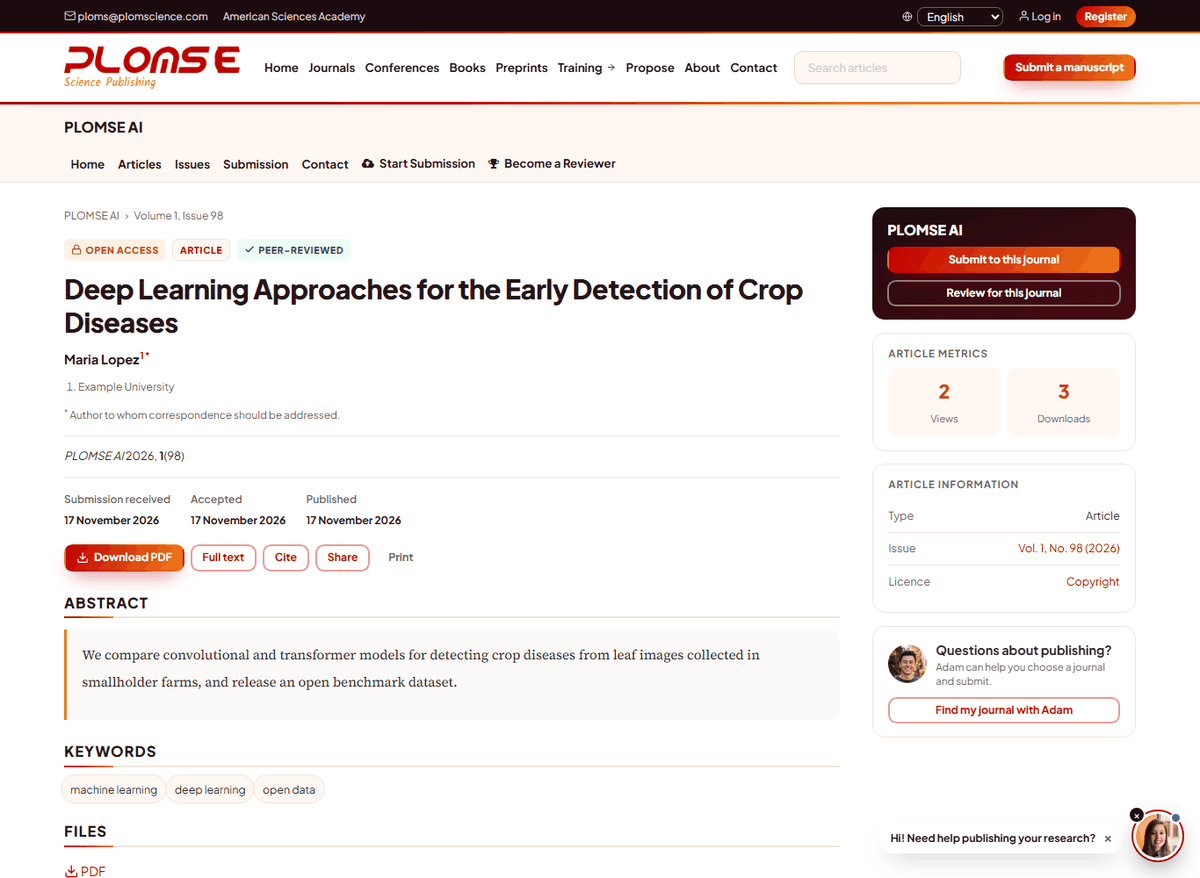
Download the article
Use Download PDF for the typeset PDF. Where available, the Files list also offers other formats (HTML, XML/JATS for machines, data files). Click a file name to download it.
Cite the article
Open Cite (or How to cite) on the article page. The citation is shown ready to paste; use Copy citation to copy it. Always include the DOI. You can import the reference into Zotero, Mendeley or EndNote by using the DOI or the browser connector of your reference manager, which reads the article metadata embedded in the page.
Share
Use Share to post the article to social networks or to copy the link. Please share the DOI link (https://doi.org/…): it never changes, even if the website address does. You may also share the PDF itself, in line with the licence.
Print produces a clean version of the article page without menus. For the typeset layout, print the PDF.
Conference papers and proceedings
Conference papers are published like articles, inside the conference's proceedings volumes (Issues on the conference site). The conference site also shows the programme and the list of accepted papers.
Preprints
Preprints (Preprints in the main menu) are early versions shared by the authors. They are screened by moderators but not peer reviewed: treat their conclusions with care. A preprint page shows the versions, the licence, comments and, when available, a link to the final published article.
Books
In Books, open a book to see its description, contributors, ISBN and DOI, its chapters and the available formats. Click a format (for example PDF or EPUB) to download it; for EPUB there may be a Read this book link to read it in the browser. Chapters have their own pages, downloads and citations.
Stay informed
- Tick Register for Article Notifications in your profile to receive an email when new articles are published.
- Subscribe to the journal's RSS feed (most feed readers detect it automatically from the journal home page).
- Follow special issues and collections from the journal's Collections page.
Accessibility
Pages work with screen readers and keyboard navigation, images have text alternatives and the site is available in five languages (see Change the language). If something is hard to use, please tell us at [email protected].