One PLOMSE account works for every journal, conference, the preprint server and the book catalogue. You need an account to submit a manuscript, review for a journal or post a preprint. You do not need one to read: all PLOMSE content is open access.
Create an account
- Click Register at the top right of any page.
- Fill in the form: email address, salutation (optional), first name, middle name (optional), last name, suffix (optional) and a password, typed twice. Use your professional email address: editors and reviewers will contact you there. You add your affiliation and ORCID iD later in your profile.
- Answer the short security question (a simple sum) that protects the site from spam.
- Tick Register for Article Notifications if you want to receive an email when new articles are published.
- Click Register.
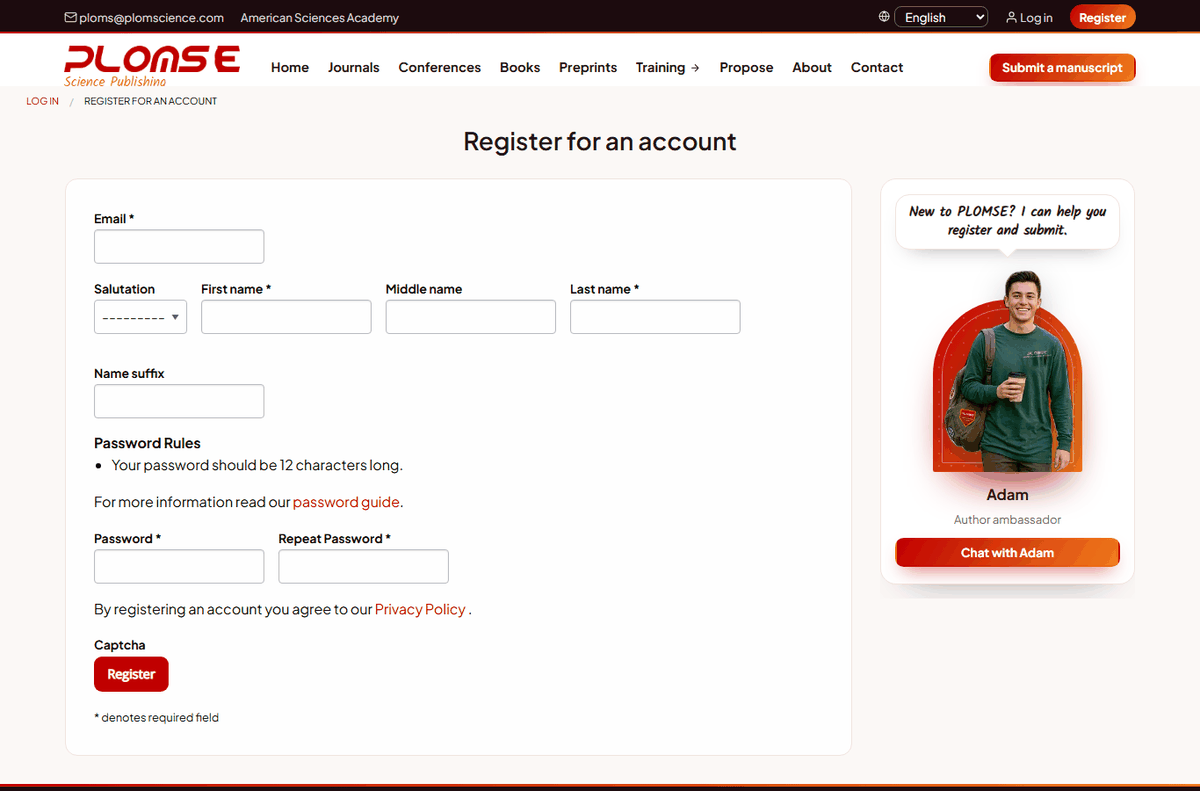
PLOMSE then sends you an activation email. Open it and click the link to activate your account. You cannot log in until the account is activated.
No activation email?
Check your spam or junk folder and wait a few minutes. If it still has not arrived, write to [email protected] from the address you registered with and we will activate the account for you.
Log in and log out
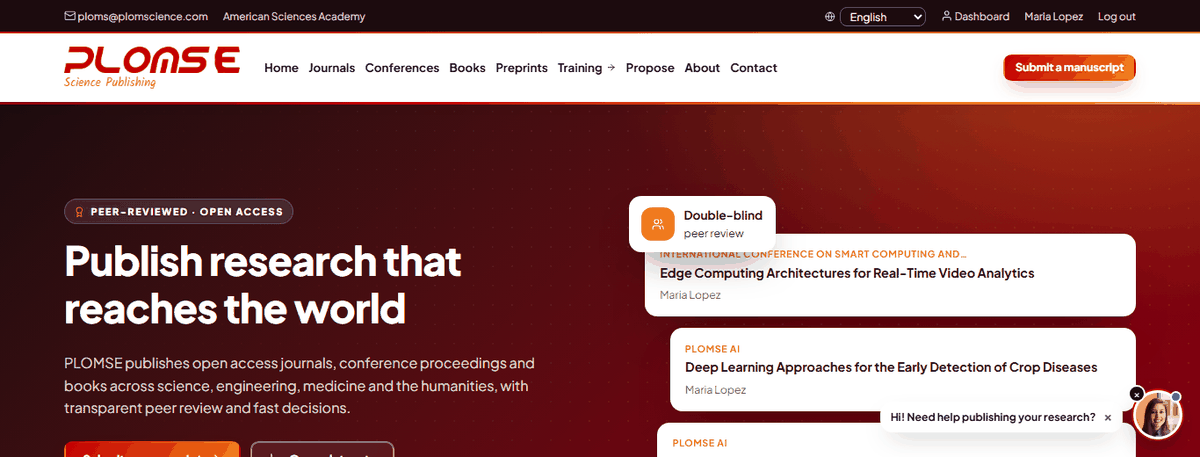
Click Log in at the top right, enter your email address and password and click Log in. After logging in you are taken back to the page you were on. The top bar then shows Dashboard, your name (your profile) and Log out.
Reset a forgotten password
- On the login page click Forgotten your password? (or go to
/reset/step/1/). - Enter the email address of your account and submit.
- Open the email you receive and click the reset link. The link is valid for a limited time.
- Choose a new password, type it twice and save. You can now log in with the new password.
Edit your profile
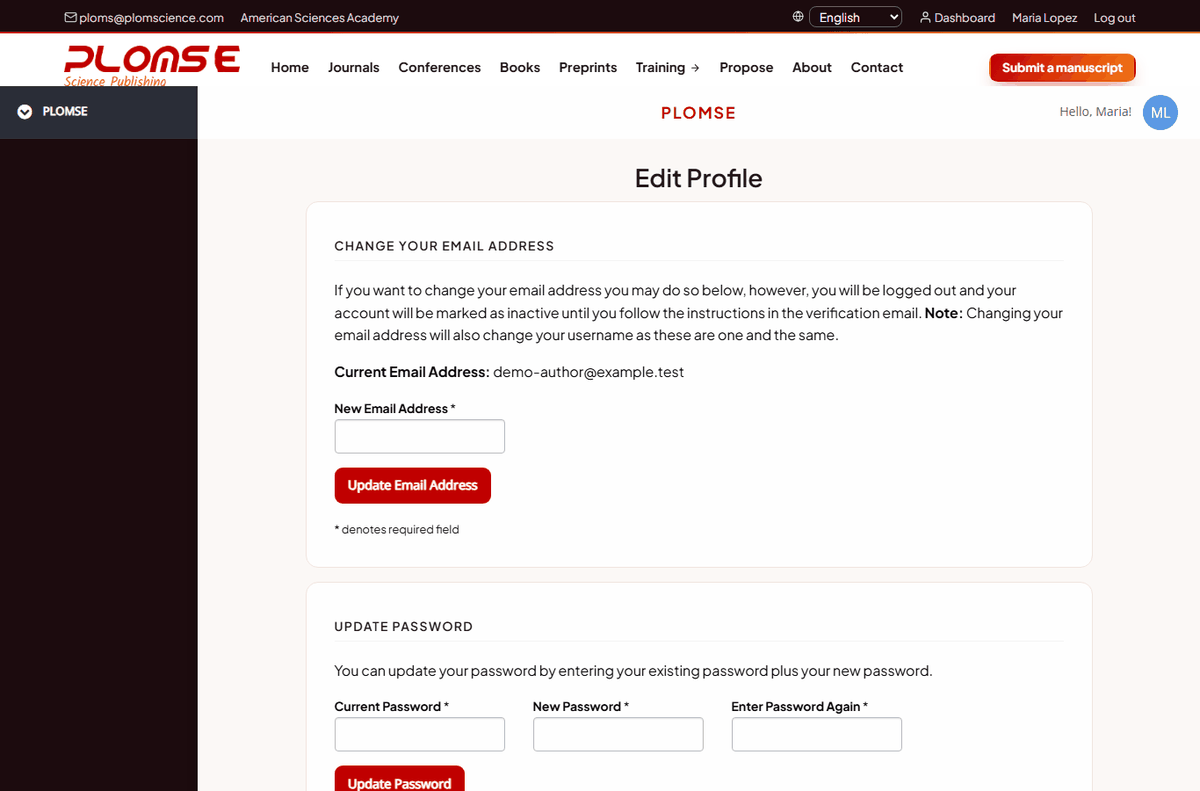
Click your name in the top bar to open Edit Profile. Here you can:
- update your name, salutation, biography, website and social links;
- add or update your Affiliations (institution, department, country);
- add your ORCID iD (see below);
- change your email address (Change Your Email Address – a confirmation is sent to the new address);
- change your password (Update Password: current password, then the new one twice);
- subscribe to or unsubscribe from article notifications.
Click Save after each change.
ORCID iD
We strongly recommend adding your ORCID iD to your profile and to every submission: it identifies you unambiguously and is sent with your article metadata to indexing services. Type your iD (for example 0000-0002-1825-0097) in the ORCID field of your profile and save. Logging in with an ORCID account is not switched on at the moment; use your email address and password.
Change the language
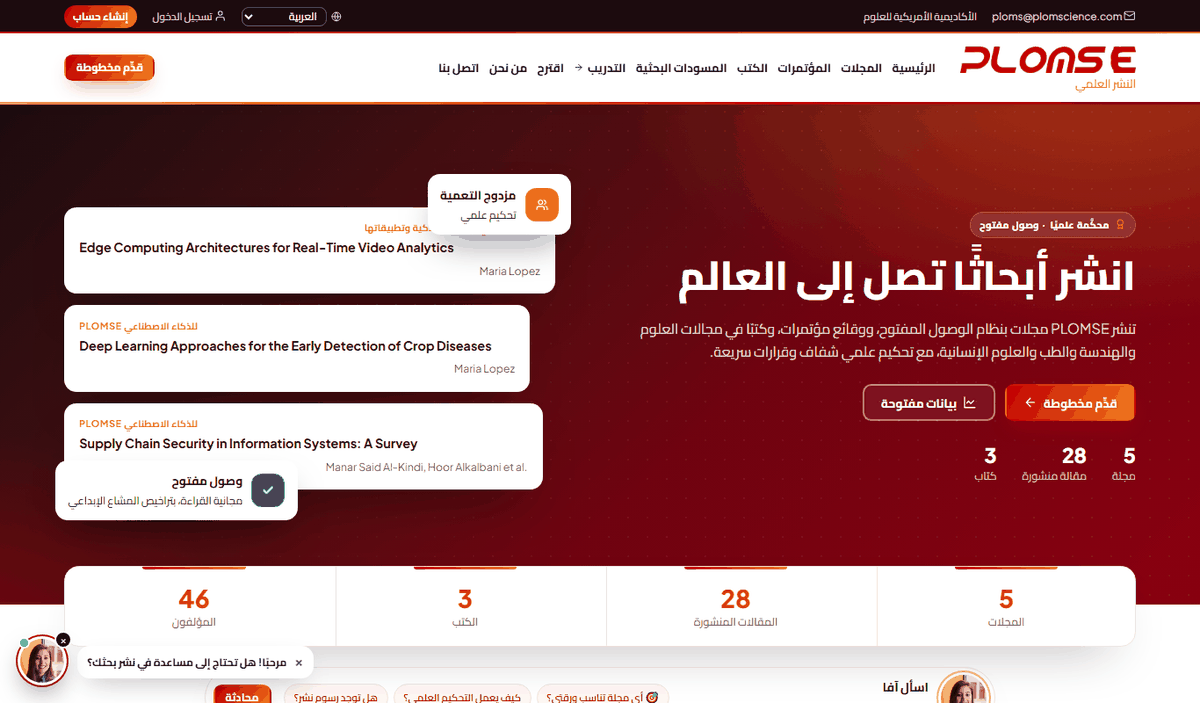
PLOMSE is available in English, العربية (Arabic), 简体中文 (Simplified Chinese), Español and Français. Use the language menu with the globe icon in the top bar. The page reloads in the selected language and your choice is remembered on that device. In Arabic the whole layout switches to right-to-left.
Translated content
Menus, buttons and help pages are fully translated. Articles are shown in the language they were published in, and some journal texts may still be in English while translations are completed.
Your dashboard
Dashboard (top bar) is your personal workspace. It lists your submissions with their current stage, any revision or proof requests waiting for you, and – if you are a reviewer, copyeditor, typesetter or editor – your tasks. See How to submit a manuscript for what each status means.
Privacy and closing an account
We only use your details to run the editorial process and to send the notifications you asked for. To close your account or to correct records you cannot edit yourself, write to [email protected].