PLOMSE content is organised by publication: each journal and conference has its own archive, the preprint server has its own search, and books are in the book catalogue. Start from the right place and use the tools below.
Find a journal or conference
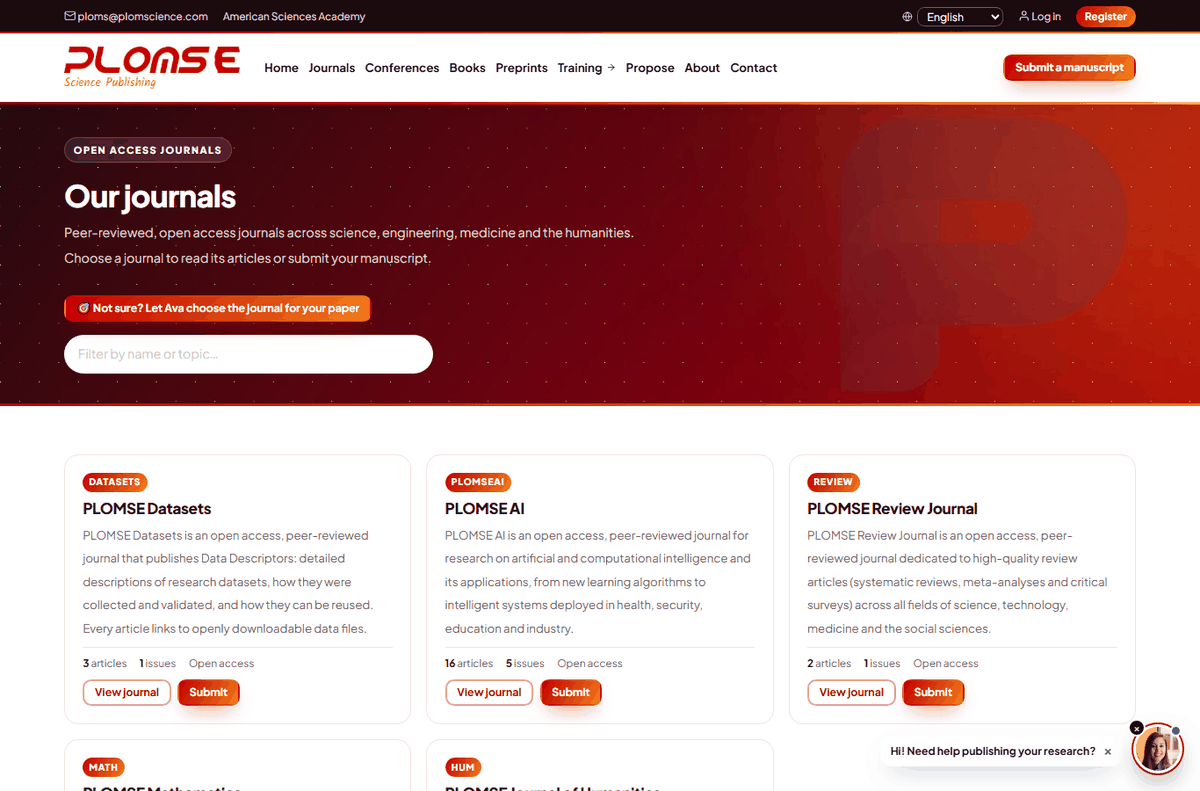
- Journals in the main menu lists all PLOMSE journals. Type in Filter by name or topic… to narrow the list instantly.
- Conferences lists the conferences and their proceedings.
- Not sure where your topic is published? Ask Ava in the chat (see Using Ava & Adam).
Search within a journal
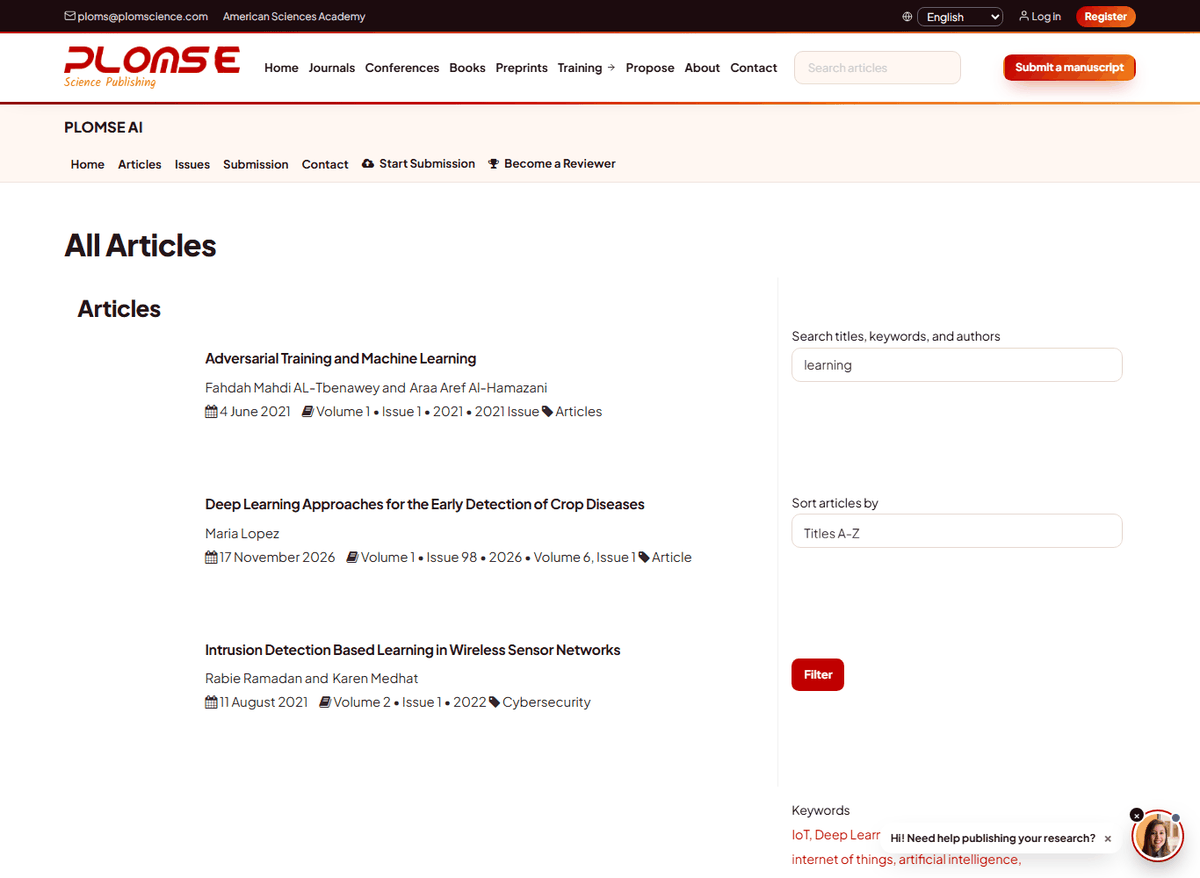
When you are on a journal or conference site, the header shows a Search articles box. Type at least three characters and press Enter. The search page opens with your results and a search panel where you can refine:
- Search term – words or a phrase;
- Search Titles, Search Abstract, Search Authors, Search Keywords – untick the fields you do not want to search (by default all are searched);
- Sort – Titles A-Z, Titles Z-A, Newest or Oldest.
Next to the results the page lists the journal's Keywords: click any keyword to see all articles tagged with it. Keywords on an article page are also links.
Search tips
- Search an author by family name (for example
Lopez). - Use distinctive words from the title rather than common words.
- If you get too many results, untick Search Abstract; if you get too few, check the spelling and try a synonym.
- Search covers the article metadata (title, abstract, authors, keywords), not the full text of PDFs.
Browse a journal
Use the journal menu:
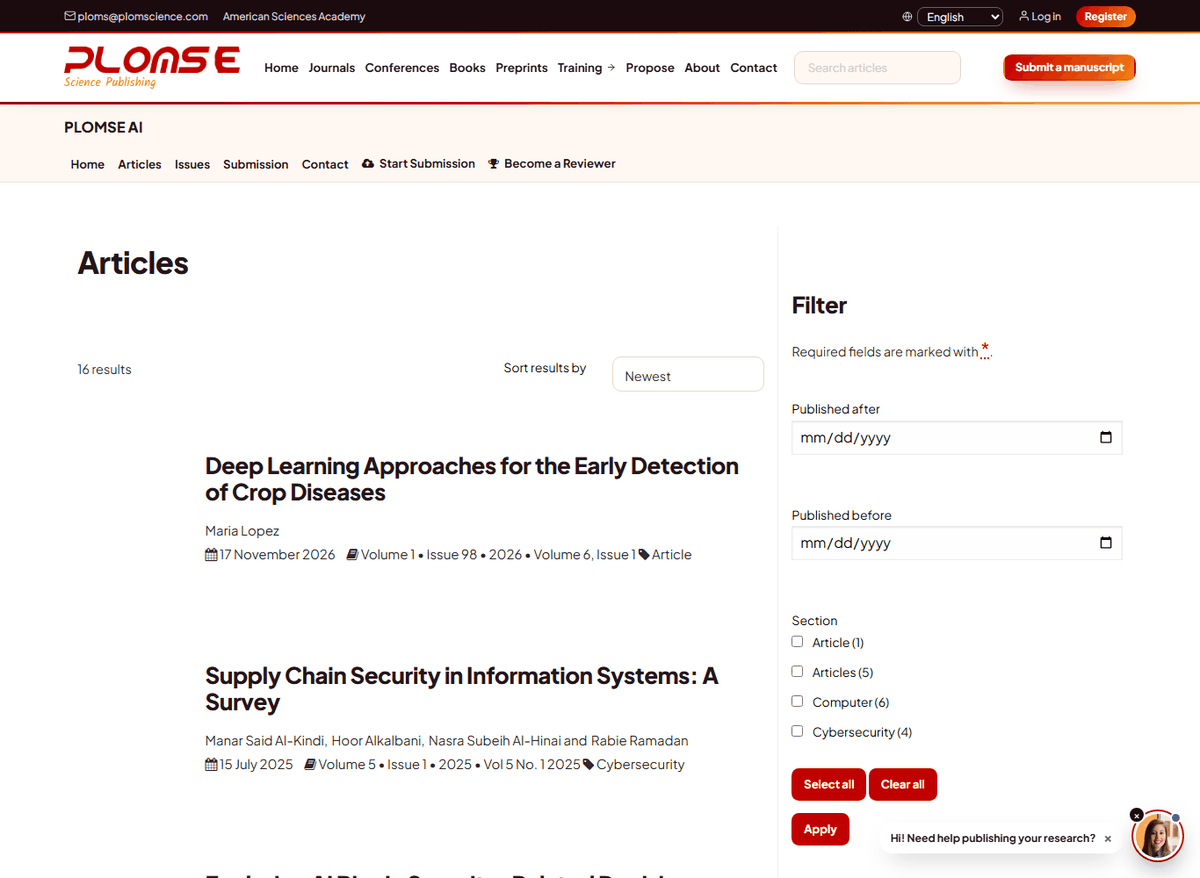
- Articles (
/<journal code>/articles/) – all published articles. Filter by Published after, Published before and Section (article type), and sort by Newest, Oldest, Titles A-Z / Z-A, Author Name or Volume. On a phone, tap Show Filter Options. - Issues (
/<journal code>/issues/) – every volume and issue, newest first; open an issue to see its table of contents, grouped by section. Conferences show their proceedings volumes here. - Collections – special issues and themed collections, when the journal has them.
Search preprints
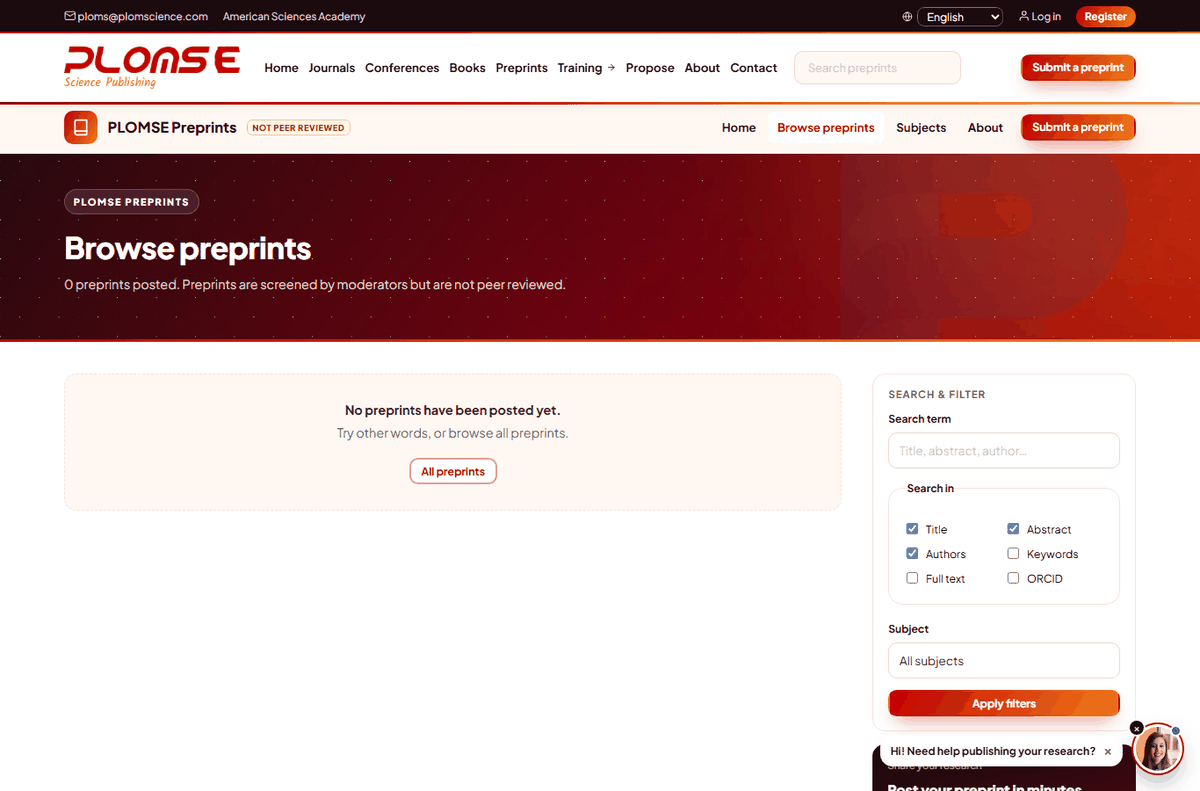
On Preprints, use Search preprints in the header or the Search & filter panel on the preprint list (/preprints/repository/list/):
- Search term (title, abstract, author…);
- Search in – Title, Abstract, Authors, Keywords (and Full text where available);
- Subject and Type filters, then Apply filters; Clear filters resets them.
You can also browse by subject. Remember that preprints are screened by moderators but are not peer reviewed.
Find books
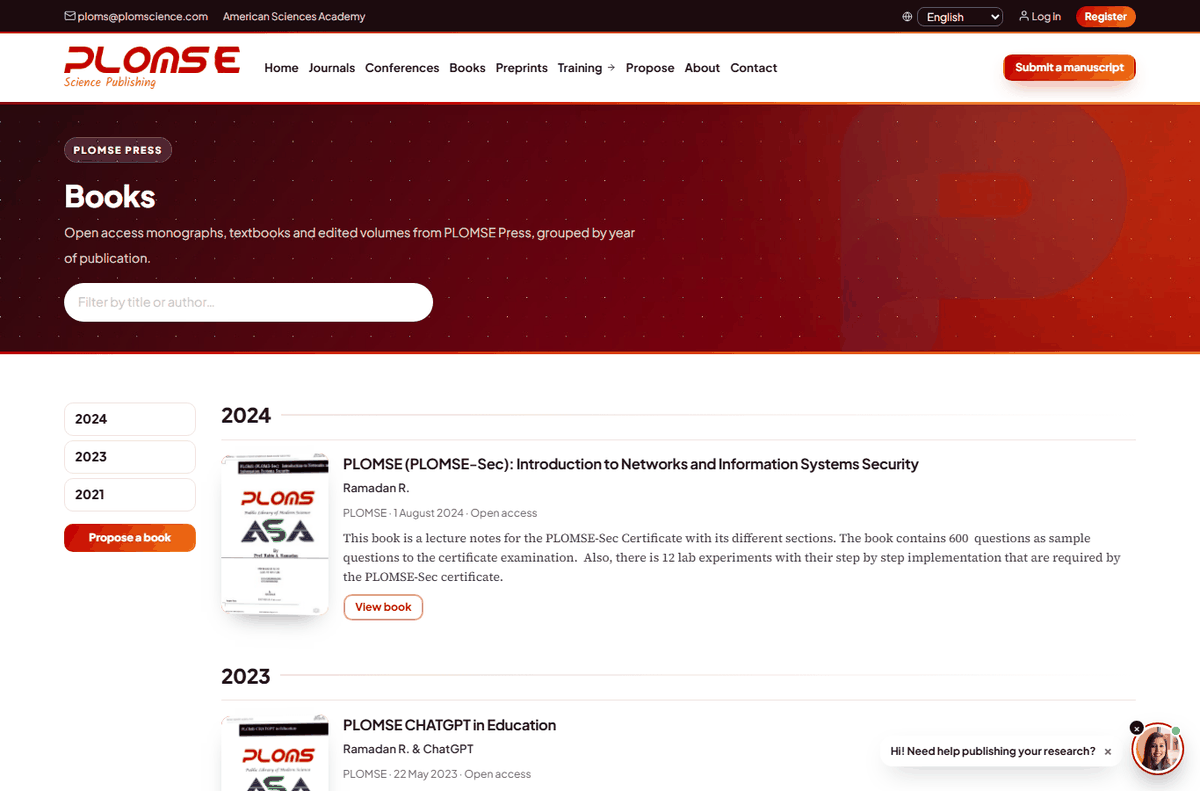
Books in the main menu opens the PLOMSE Press catalogue, grouped by year of publication. Type in Filter by title or author… to narrow the list, or use the year navigation. Open a book to see its description, contributors, ISBN, DOI, chapters and the download formats.
Other ways to find PLOMSE content
All PLOMSE articles have DOIs and machine-readable metadata, so you can also find them through Google Scholar, Crossref search, DOAJ (for indexed journals) and your library discovery system. To be alerted about new articles, tick Register for Article Notifications in your profile or subscribe to a journal's RSS feed.