PLOMSE welcomes proposals for new journals, special issues, books and conference proceedings. All proposals are made online from Propose in the main menu (/plugins/plomse/propose/). You do not need an account.
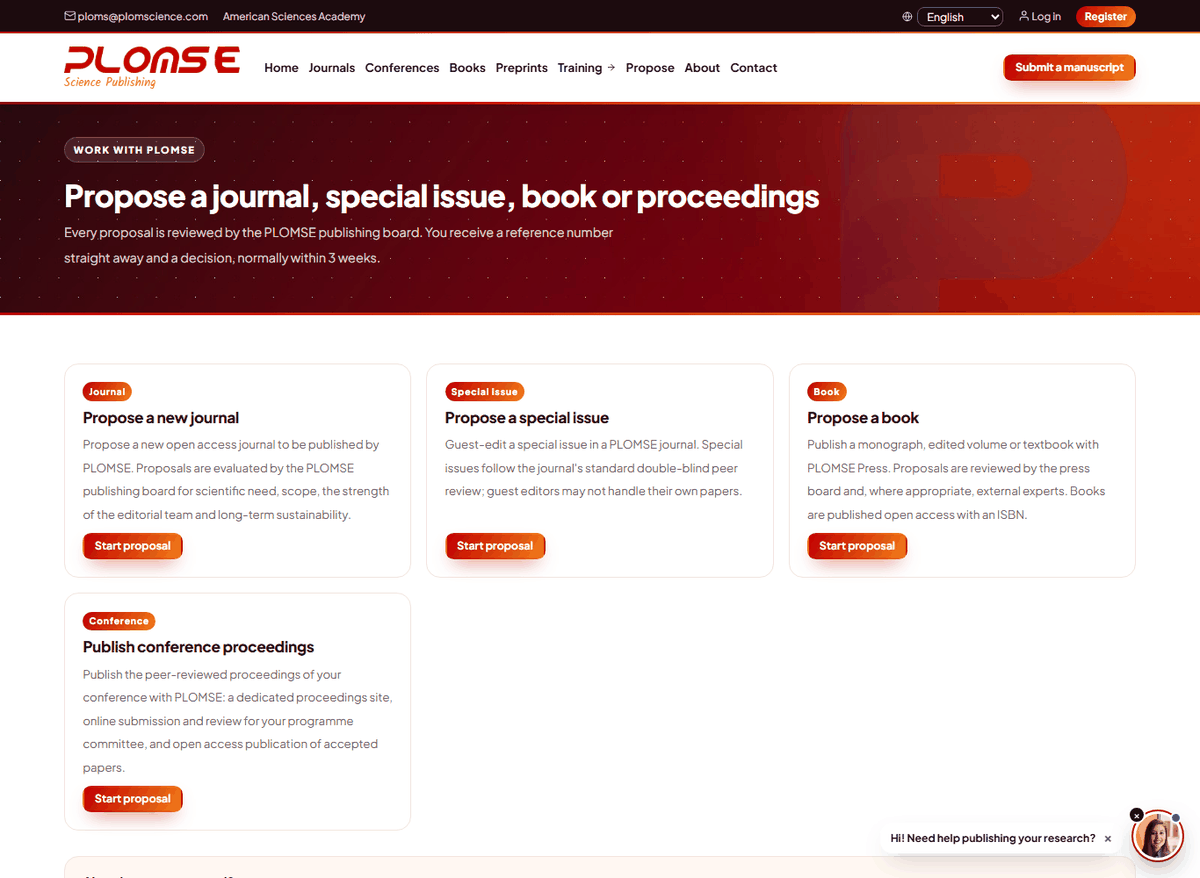
Types of proposal
| Proposal | What it is | Key information to prepare |
|---|---|---|
| New journal | A new open access journal published by PLOMSE | Title, aims and scope, main subject, the gap the journal fills and its readership, comparable journals, proposed editor(s)-in-chief (name, affiliation, email, ORCID, short bio), editorial board, article types, frequency, expected articles in the first year, language, preferred launch date, indexing goals; optional CV and board list |
| Special issue | A themed collection in an existing PLOMSE journal | The journal, title, summary, guest editors (one per line, lead guest editor first), 5–10 keywords, topics, potential contributors, expected number of papers, submission deadline, planned publication date, linked conference (optional) |
| Book | An open access monograph, textbook or edited volume with an ISBN | Working title, summary (about 300 words), type of book (monograph, edited volume, textbook, reference work, lecture notes), authors or editors with short bios, intended readership, table of contents with chapter descriptions, competing titles, estimated length, number of figures and tables, manuscript delivery date, ISBN; a sample chapter (required for monographs) |
| Conference proceedings | Publication of the peer-reviewed papers of your conference | Conference name and acronym, scope and topics, dates, venue or online, website, general and programme chairs, programme committee, review process, expected submissions and accepted papers, paper length, sponsors, desired publication date; optional call for papers |
Every form also asks for your full name, email, affiliation and (optionally) ORCID iD, and lets you attach one supporting file. Tick the confirmation box and click submit.
Special issues and guest editors
Special issue papers go through the journal's normal double-anonymous peer review. Guest editors may not handle the review of their own papers.
After you submit
- You see a confirmation page with your proposal reference, for example
PLOMSE-SI-2026-0012. Keep it. - You receive a confirmation email, and the editorial office is notified.
- The office screens the proposal and may send it for review by the relevant editors. Possible statuses: Submitted, Editorial screening, Under review, Revision requested, Accepted, Declined, Withdrawn.
- You receive an email with the decision and next steps.
Check the status
Open Propose and, under Already sent a proposal?, click Check status (/plugins/plomse/propose/status/): enter your reference and the email address you used. The current status is shown.
Book proposals
The Books catalogue also has a Propose a book button. Book proposals are reviewed by the press board and, where appropriate, external experts. Accepted books are produced by the PLOMSE book team and published in the Books catalogue.